

Sponsors manage their own sponsor messages and profiles
Invite a sponsor to submit its message, offer and business details. Review the submission, request changes or approve it before publishing, while the sponsor can see its own measured results.
WilDi Golf
Keep the tee sign. Add the moment it cannot reach: your sponsor's message on the golfer's phone, on that hole, as the putt drops. And the organizer gets a record of every sponsor message that was delivered.
For organizers and courses: what you set up, what it costs
Every figure this product reports is a count of something it observed. Nothing is modelled, estimated or projected, and we count phones running the app, never people.
What it does
One flat fee covers every feature below. Nothing on the course is billed per player, per message or per tap.
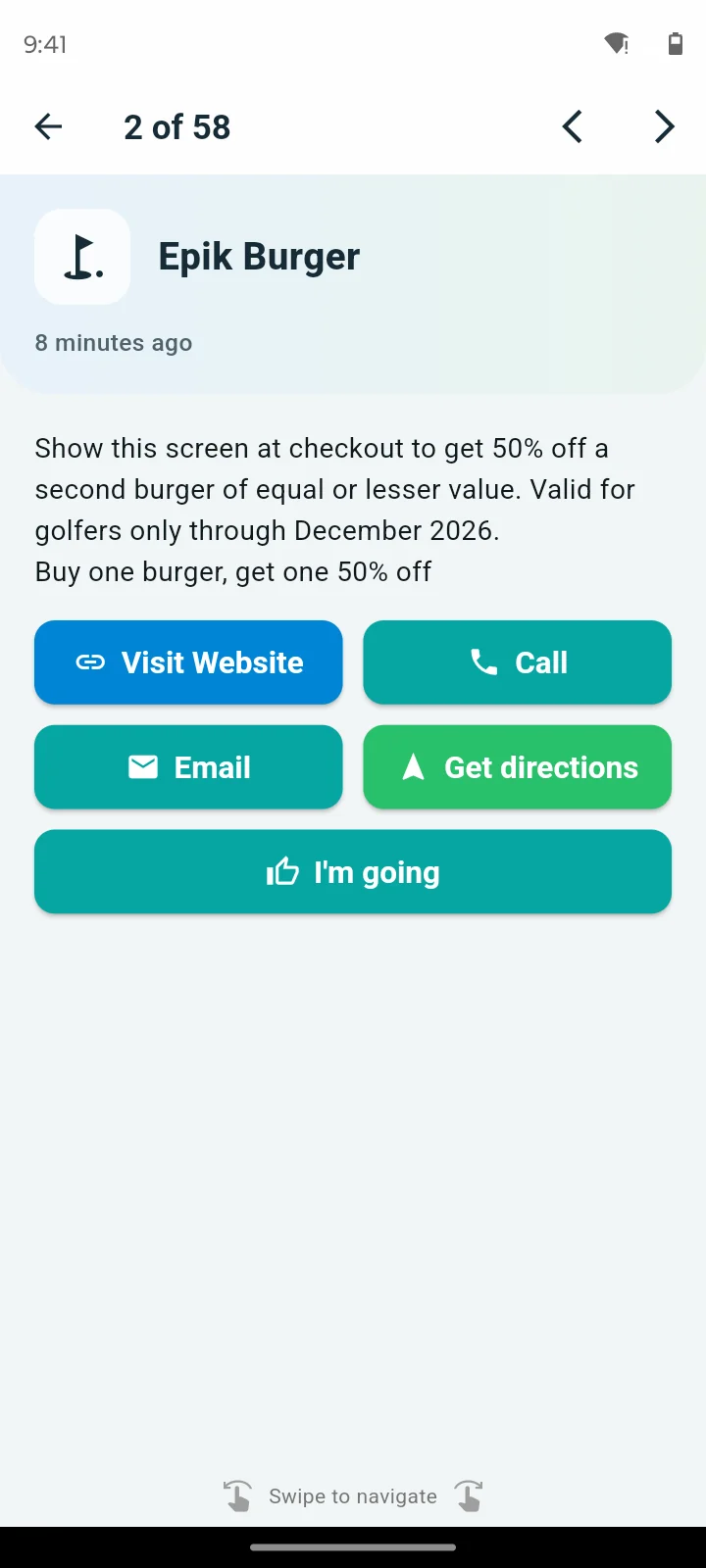
Invite a sponsor to submit its message, offer and business details. Review the submission, request changes or approve it before publishing, while the sponsor can see its own measured results.
Set food-and-beverage messages to become eligible when a golfer's recorded round progress reaches a configured hole. Promote a clubhouse offer at the right part of the round alongside hole sponsorships.
Manage golf courses, dated tournaments and non-golf events through WilDi Maps. Non-golf venue tools include mapped places, schedules and Local Giveaways, with controls suited to booths and activities instead of holes.
Each hole carries its own sponsor message. It reaches a phone when that phone crosses into the hole, not at the turn and not in an email the next morning.
A hole sponsorship becomes an offer a golfer can act on while standing there, so it is worth more to the sponsor, and something the organizer can show a sponsor when it's time to renew.
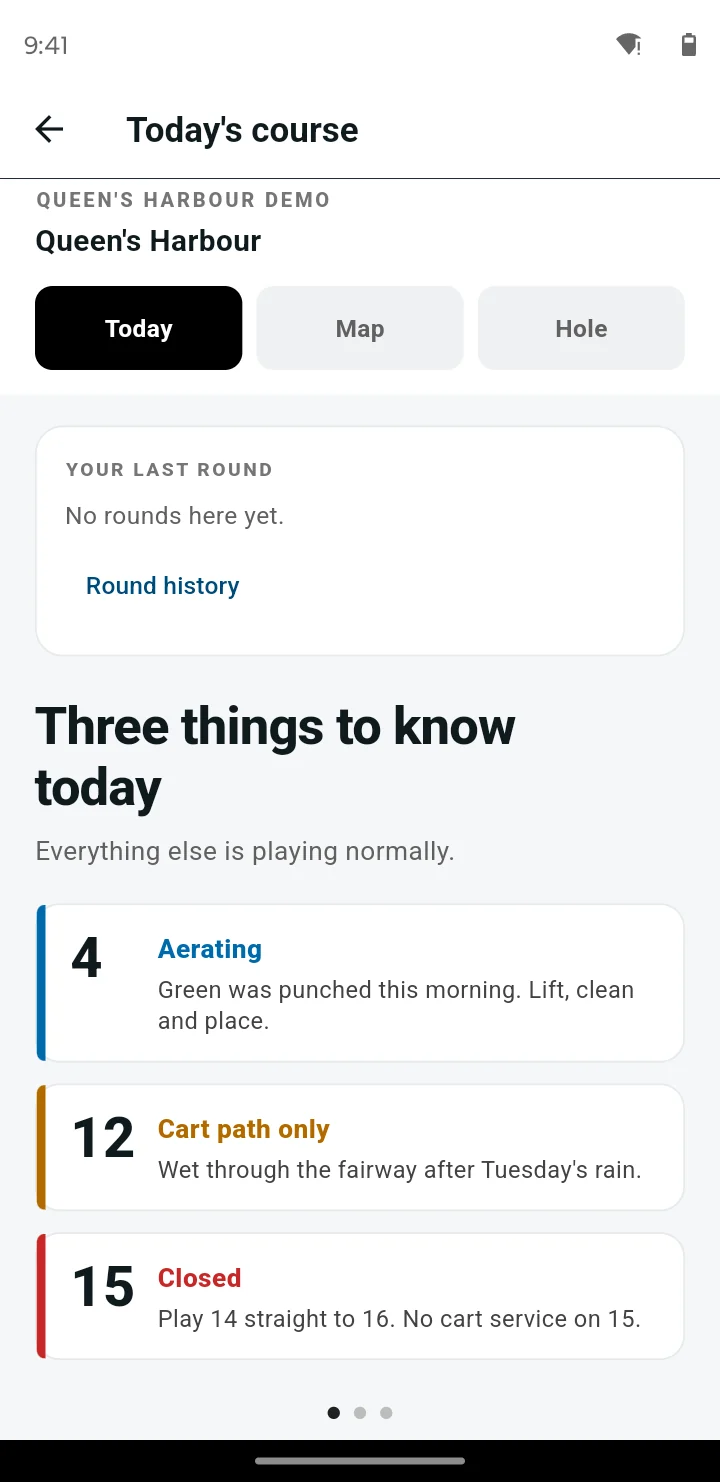
Cart path only on 12, aerating on 4, 15 closed. The course sets it once and the phones on the property have it within a minute.
Your starter stops repeating it at every group, and golfers stop driving onto a closed hole.
Staff tagged as maintenance change a hole's status from the app on the course. A closed hole stops sending its sponsor message until it reopens.
Conditions stay current without anyone walking back to the shop, and no sponsor message is spent on a hole nobody can play.
A golfer taps from the hole they are standing on. The request carries that hole, follows them if they move, and closes when the cart's own phone is seen there.
More food and drink sold on the course, and the cart goes where it is wanted instead of circling.
A golfer who needs a marshal or help taps once. The request lands with the hole attached and goes to the staff you tagged for it.
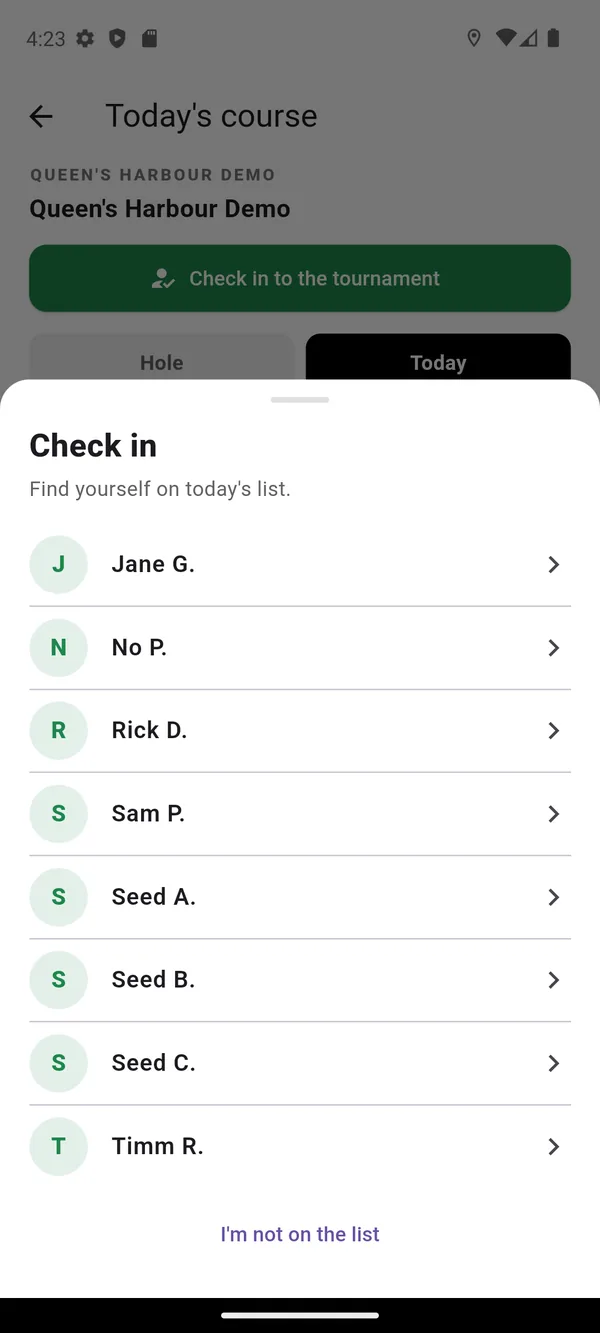
A golfer finds their own name on the roster and checks in, or the desk adds them by hand. One list, one answer to who turned up.
Send to everyone who joined, to everyone seen on the course now, or to everyone who is not. The console shows how many each audience will reach before you send.
Pace, weather and logistics reach every phone at once instead of one group at a time.
Golfers who have joined your course stay reachable when they are not on it. Send the ones who are not on the course today an offer: open tee times at 2pm, a twilight rate, a clubhouse special.
An empty tee time is revenue you never get back. One filled slot a day covers a large part of the monthly fee.
The manager's map shows public precipitation radar and National Weather Service warnings for your course, each stamped with the time it was measured. The radar is not a lightning detector.
The person deciding whether play continues sees the weather next to where every phone is, on one screen.
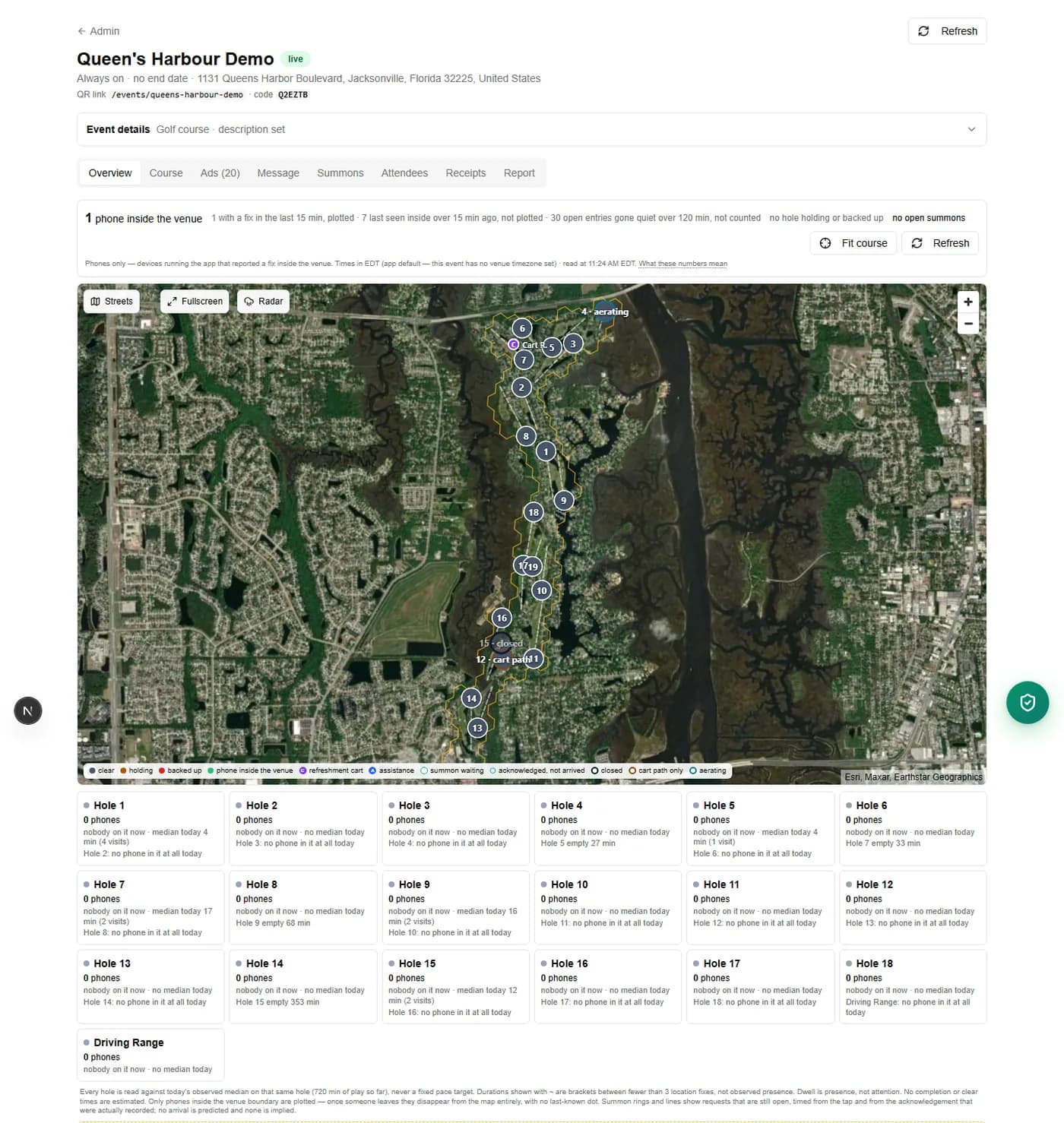
Phones inside the course, hole by hole, with today's conditions and open requests on the map, and a separate count for phones whose last fix is older.
On a course that runs every day, a golfer can keep their own casual score hole by hole in the app. It is private to them and the course; there is no leaderboard.
One more reason for golfers to open the app every round, which is what keeps your sponsors in front of them.
Sponsor messages delivered, messages opened, taps broken out by call, website, email and directions, and how many phones later turned up at the sponsor's address, during the season and after it, including repeat visitors.
At renewal, the sponsor sees what their hole did, in counts, never percentages.
Three screens from the WilDi Maps app, as a golfer meets them on the course.
Organizers and general managers
Hole sponsors
How a day runs
We draw your holes once, you upload the roster as a CSV, and each hole gets a sponsor: the business, its address, and the offer that becomes the sponsor message.
A golfer installs the app and types the event code from the tee sign, or scans the QR. Then they find their name on the roster and check themselves in.
A phone crosses into a hole boundary and that hole's sponsor message is delivered to it. Nothing is sent to a phone that is not on the course.
Conditions reach every phone on the property. A golfer taps for the refreshment cart or for assistance, and the request lands with the hole attached.
You see how many phones the geofence has seen inside, hole by hole, and you can message everyone, everyone seen recently, or everyone who has gone quiet.
The report is ready: delivered, opened, still on the hole a minute later, every tap by kind, and visits to the sponsor's address. Download it as a CSV.
Phones inside the venue, hole by hole, with today’s conditions on the map. It does not tell you how many people are on your course, and it will not predict when a hole will clear.
Your course or tournament organizer sells hole sponsorships and collects sponsor payments directly. You pay WilDi $599 per started 30-day block, paid once upfront for a dated tournament, or $599 per month for an ongoing named course. Build your setup free. It goes live when you pay. Ongoing golf is charged at go-live and automatically each month after. Nothing on the course is billed per verified delivery.
A hole sponsor can also buy WilDi Maps directly, with its own campaign and budget. It is not an automatic part of the hole sponsorship.
Ongoing course pricing
$599 per month
For each named course, however many holes it has. Every feature on this page is included, and your golfers' taps are never billed. Charged at go-live and automatically each month after. Leave the end date blank for month-to-month auto-renew; a dated tournament is a one-time payment. Cancel anytime, effective at the end of the paid month.
Ongoing course, one year upfront
$7,188 per year
Twelve months at $599, paid upfront and renewing each year until you turn off auto-renew, effective at the end of the paid year. A paid year is not refunded except for a service failure (see the Terms).
Golf tournament pricing
$599 per 30-day block
Per named course/event, with start and end dates. Pay once upfront for every started 30-day block: up to 30 days is $599; more than 30 through 60 days is $1,198; more than 60 through 90 days is $1,797. No subscription or automatic renewal. Cancel before the start for a full refund.
Start With WilDi GolfBring your holes and your sponsorship packet and we will get you set up. Setting it up yourself? Create an organizer account. Already running a course with us? Sign in to your dashboard. Want golfers on the app before they tee off? Print the free app QR poster.